
TurboTenant Pricing (2026): Which Plan Should Small Landlords Choose?

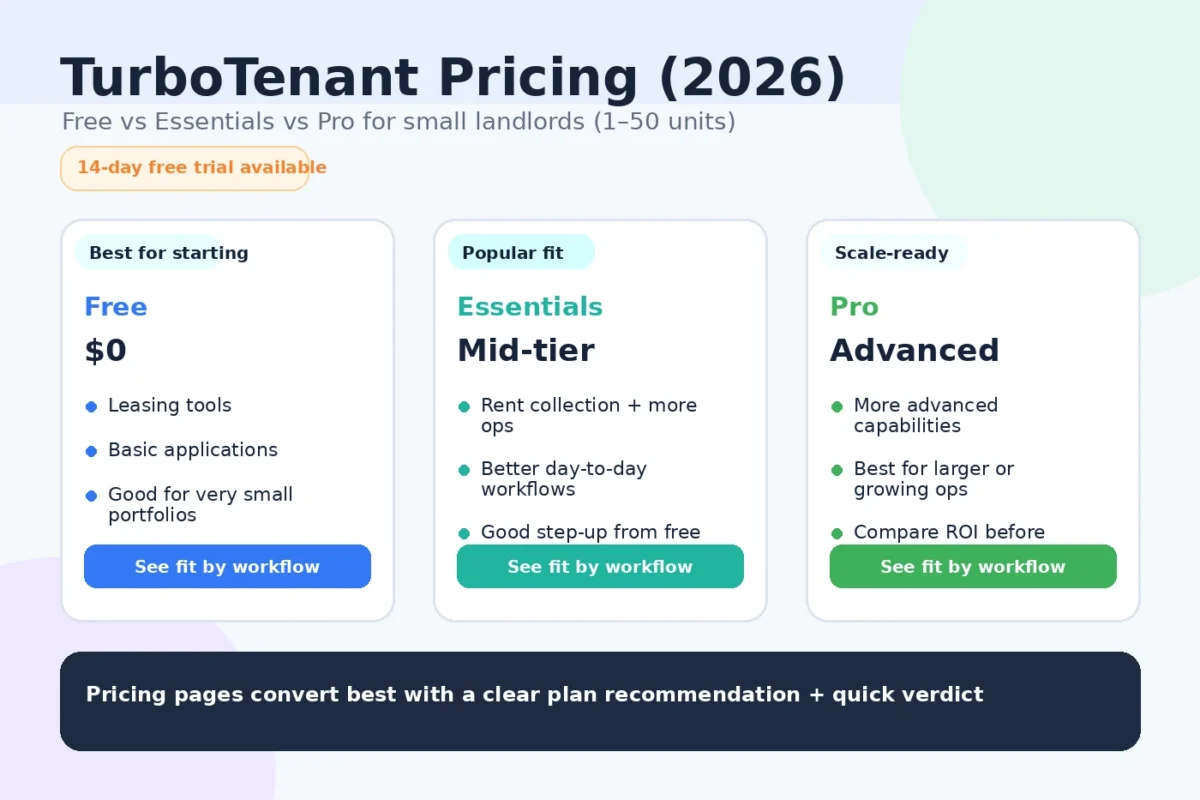
If you’re comparing TurboTenant pricing, the main question is not just what each plan costs.
It’s which plan fits your workflow right now so you avoid paying for features you won’t use yet.
TurboTenant is attractive because you can start at $0/month and still get core landlord functions. Then, if you need more speed, leasing tools, or accounting features, you can move up to Essentials or Pro. TurboTenant’s pricing page states Free, Essentials, and Pro plan options, with annual billing shown for paid tiers.
This guide breaks TurboTenant pricing down for real-world landlord use cases (1–50 units), not just feature lists.
If you are still comparing overall PM software first, start here: Best Property Management Software for Small Landlords
Quick verdict
- Pick TurboTenant Free if you want the lowest-cost way to handle leasing + rent collection basics.
- Pick TurboTenant Essentials if you want smoother leasing workflows and faster execution without going all-in on a heavier PM system.
- Pick TurboTenant Pro if you want the strongest TurboTenant setup, especially for accounting visibility and more automated tracking.
Disclosure: Some links on this page are affiliate links, which means we may earn a commission at no extra cost to you. I only recommend tools I’d use to run a rental operation. See our Affiliate Disclosure: /affiliate-disclosure/
TurboTenant pricing plans at a glance
TurboTenant’s pricing page shows 3 main tiers:
- Free — $0/month
- Essentials — priced as a monthly equivalent when billed annually
- Pro — priced as a monthly equivalent when billed annually
At the time of writing, TurboTenant’s pricing page shows Essentials at $12.42/mo billed annually ($149) and Pro at $16.58/mo billed annually ($199), while the Free tier remains $0/month.
What matters more than the monthly number
When choosing a plan, focus on:
- How many units you manage
- Whether leasing speed matters more than reporting depth
- Whether you need accounting automation now or later
- How often you create leases / e-sign documents
- Whether you are optimizing for lowest cost vs lowest time
Side-by-side comparison (TurboTenant pricing tiers)
| Plan | Best for | What you get (high level) | Watch-outs | Best next step |
|---|---|---|---|---|
| Free | New landlords / lowest-cost setup | Core landlord workflow tools at $0, including listings, applications/screening, rent collection, and maintenance requests | You may outgrow it if you need faster leasing execution or more automation | Start Free |
| Essentials | Leasing-heavy small portfolios | Paid upgrade for smoother leasing/document workflows (leases, e-signatures, lower screening fees, etc.) | May still feel limited if you want more accounting automation/reporting depth | Choose Essentials |
| Pro | Landlords wanting stronger automation + accounting visibility | Includes Essentials plus additional features like income verification, free ACH payments, and accounting insights/automated transaction tracking | Still compare against Buildium if you need a heavier PM operations system | Choose Pro |
Which TurboTenant plan should you choose? (by workflow)
1) Best for brand-new landlords or ultra-lean setups: Free
Best pick: TurboTenant Free
TurboTenant’s Free plan is the right starting point if your goal is to reduce friction, not build a complex PM tech stack. TurboTenant highlights core features even at the free tier, including listings, applications/screening, online rent collection, and maintenance requests.
Best for:
- 1–5 units
- First-time self-managing landlords
- Landlords who want to stop using scattered spreadsheets + manual texts
- Anyone testing software adoption before committing to a paid plan
Operator take:
If you are small and inconsistent with process, Free is often the best first move because you can start using it now and upgrade only when a bottleneck appears.
2) Best for faster leasing workflows: Essentials
Best pick: TurboTenant Essentials
Essentials is usually the right fit when Free works, but you want less friction in leasing and document handling. TurboTenant’s pricing page lists upgrades such as unlimited lease agreements/e-signatures and lower screening fees in Essentials.
Best for:
- 3–15 units
- Landlords turning over units and creating leases regularly
- Owners who want faster setup and cleaner leasing admin
- Small portfolios where speed matters but deep accounting automation is not yet critical
Operator take:
Essentials is a practical step-up when your pain point is leasing execution, not advanced accounting.
3) Best for landlords who want more automation + accounting visibility: Pro
Best pick: TurboTenant Pro
TurboTenant Pro is generally the best TurboTenant plan if you want the strongest feature set inside the platform. TurboTenant’s pricing page shows Pro includes Essentials and adds features like income verification, free ACH payments, and accounting insights/automated transaction tracking.
Best for:
- 10–50 units
- Landlords who care about reporting and consistency
- Operators who want more automation in payments and transaction tracking
- Landlords trying to reduce bookkeeping friction over time
Operator take:
If you plan to grow and want to avoid outgrowing your workflow too quickly, Pro is the safer long-term TurboTenant choice.
Need options? See our: TurboTenant Alternatives
TurboTenant pricing vs value (what actually affects ROI)
The real ROI test
TurboTenant pricing is low compared with the cost of mistakes and time loss.
What usually creates ROI fastest:
- Filling vacancies faster
- Collecting rent more consistently
- Reducing missed maintenance follow-ups
- Keeping cleaner records for tax time
- Cutting back on manual coordination
If a paid plan saves even a few hours per month (or helps prevent one leasing mistake), it can pay for itself quickly.
TurboTenant pricing vs Buildium (when price alone is the wrong decision)
TurboTenant often wins on simplicity and low cost, especially for smaller landlords.
Buildium often wins on structure and PM operations depth, especially if you want stronger reporting, maintenance workflows, and a more complete PM system as you scale.
If you’re deciding between them, don’t choose only on monthly price. Choose based on the workflow you need over the next 12–18 months.
See the comparison here:
Buildium vs TurboTenant
And if you want the full TurboTenant review first: TurboTenant Review
Best-by-scenario recommendations
Best for lowest cost starting point
Best for leasing-heavy landlords who want more speed
Best for landlords who want more automation and reporting
Best for landlords likely to need deeper PM ops soon
Compare with Buildium first: Read our Buildium Review
Suggested stacks (how I’d run it)
Starter stack (1–10 units)
- TurboTenant for leasing + rent collection + core tenant workflows
- Basic maintenance process (request → assign → update → close)
- Monthly bookkeeping review habit
- Landlord Ops Automation Pack (lead magnet / form)
If you are still buying rentals too, also run a simple lead follow-up system:
AI Follow-up sequence for Real Estate Investors.
Growth stack (10–50 units)
- TurboTenant Pro if you want to stay lean but improve automation/reporting → /go/turbotenant
- OR evaluate Buildium if your PM workflows are getting heavier → /buildium-pricing/
- Standard maintenance SOP
- Monthly portfolio review cadence
- Tenant communications cadence + documentation discipline
FAQs
Is TurboTenant really free?
TurboTenant’s pricing page lists a Free plan at $0/month and notes core functionality is available without contracts. Paid tiers add additional features and upgrades.
How much does TurboTenant Pro cost?
TurboTenant’s pricing page currently shows Pro at $16.58/month billed annually ($199). Pricing can change, so always confirm on the official pricing page before purchasing.
What is the difference between TurboTenant Essentials and Pro?
TurboTenant shows Essentials as a paid upgrade for stronger leasing/document workflows, while Pro includes Essentials plus added items such as income verification and accounting-related automation/insights.
Is TurboTenant worth paying for if I only have a few units?
Usually yes if a paid tier removes friction in your leasing or admin workflow. But many small landlords should start with Free and upgrade only when a bottleneck shows up.
Should I choose TurboTenant or Buildium?
Choose TurboTenant if you want simpler setup and lower cost. Choose Buildium if you want a more complete PM operations system and stronger long-term structure. For the direct comparison, read Buildium vs TurboTenant.
Related guides (internal links)
- Best property management software for small landlords
- TurboTenant Review
- TurboTenant Alternatives
- Buildium Review
- Buildium vs TurboTenant
- Buildium Pricing
- Buildium Alternatives
- AI Follow-Up Sequence for Real Estate Investors
Table of Contents
Sources:
- TurboTenant official site
- Buildium official site