If you are comparing Buildium pricing, the main question is not which plan looks cheapest at first glance. The real question is which plan fits your rental workflow without paying for more complexity than you will actually use.
For most small landlords, the decision comes down to:
- how many units you manage now
- whether maintenance and vendor coordination are becoming more complex
- how much reporting and operational structure you actually need
- how soon you expect your portfolio to grow
That is why this guide is focused on plan choice and upgrade logic, not just a feature list.
Below, I’ll break down which Buildium plan makes the most sense for smaller landlords, growing portfolios, and operators who want better reporting and cleaner property management systems.
If you are comparing Buildium against a simpler option first, start here: Buildium vs TurboTenant
Disclosure: Some links on this page are affiliate links, which means we may earn a commission at no extra cost to you. I only recommend tools I’d use to run a real operation. See our Affiliate Disclosure: /affiliate-disclosure/
Quick verdict
Most small landlords should choose the lowest Buildium plan that supports their current operations cleanly, then upgrade only when reporting, automation, or workflow complexity becomes the bottleneck.
My take by plan:
- Essential: best for smaller portfolios that want cleaner operations without overbuilding
- Growth: best fit for landlords moving into a more systemized operation with stronger reporting and workflow needs
- Premium: best for operators who want the deepest automation, control, and integrations as complexity rises
Bottom line: Buildium pricing makes the most sense when you want a true property management operating system, not just basic leasing and rent collection.
If your main goal is simple leasing and rent collection with low overhead, a lighter tool may fit better: TurboTenant Review
How to choose the right Buildium plan
The right Buildium plan depends less on the feature checklist and more on how you actually run rentals week to week.
If your operation involves:
- recurring maintenance
- vendor coordination
- rent collection across multiple units
- tax-time reporting pressure
- and a growing number of moving parts
…then Buildium can justify its cost.
If you only need:
- quick leasing
- online rent collection
- basic maintenance requests
- and minimal setup
…then overbuying a higher-tier Buildium plan usually does not make sense.
The real question is:
Do you need cleaner rental operations now, or do you need a more advanced system that will support portfolio growth without another software switch later?
Looking for simpler or cheaper options? Check Buildium alternatives.
Buildium pricing (2026): current plans and starting prices
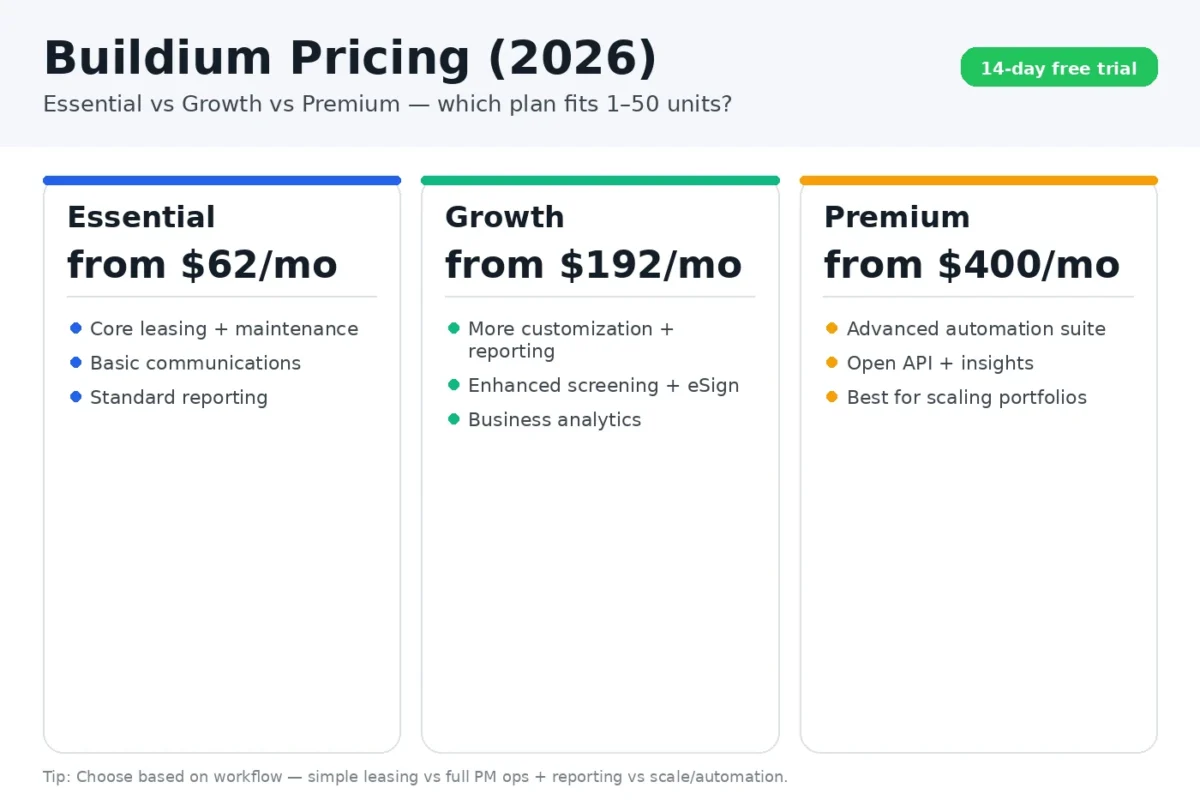
Buildium typically uses tiered plans, where higher tiers unlock more automation, reporting depth, and operational controls. Based on the current structure you shared, Buildium offers three main tiers plus a 14-day free trial.
- Essential: starting at $62/month
- Growth: starting at $192/month
- Premium: starting at $400/month
Because pricing and plan names can change, use this page to decide which tier fits your workflow, then confirm the latest numbers on Buildium’s site before you buy.
Buildium offers a 14-day free trial, which makes it easier to test the plan closest to your needs before committing.
Buildium Plan Comparison Table
| Plan | Starting price | Best for | Plan highlights (from Buildium) | Best next step |
| Essential | $62/month | 1–10 units, basics + clean ops | All basic Accounting, Maintenance, & Leasing features; Basic Communications & Buildium’s AI Assistant; Standard & Bulk Reporting | Start 14-day free trial /go/buildium
|
| Growth (Most Popular) | $192/month | 10–50 units, scaling ops + better reporting | Everything in Essential, plus more customization & reporting; Enhanced Tenant Screening, unlimited eSignatures; AI-enhanced Communications and Business Analytics | Start 14-day free trial /go/buildium
|
| Premium | $400/month | Operators who want the most advanced features + automation | Everything in Growth, plus our most sophisticated features; Free inspections and Incoming EFT transactions; Full AI and Automations suite, plus Open API | Start 14-day free trial /go/buildium
|
What you are really buying with each Buildium tier
The biggest mistake with Buildium pricing is thinking you are just paying for “more features.” In practice, you are paying for a different level of operational structure.
Essential: get organized without overbuilding
This plan is usually right if you want to stop managing rentals through scattered spreadsheets, texts, and ad hoc notes.
You are mainly paying for:
- cleaner tenant and unit records
- rent collection workflow
- basic maintenance tracking
- one central place to run the basics more consistently
Best for: landlords who want more structure but do not yet need deeper reporting or heavier automation.
Growth: stronger operations and reporting that actually scale
This is where Buildium starts to feel more like a true property management operating system.
You are mainly paying for:
- better reporting visibility
- stronger recurring maintenance workflows
- more process control
- less confusion around who owns what and where requests stand
Best for: landlords who are growing and want the business to run more like a system than a set of reminders.
Premium: maximum control for more advanced operations
The top tier is for landlords or operators who want the deepest workflow control, reporting, and automation available in the Buildium stack.
You are mainly paying for:
- deeper automation and controls
- advanced operational features
- stronger long-term flexibility
- infrastructure for more demanding property management workflows
Best for: operators who care about reporting depth, workflow control, and minimizing mistakes as unit count and complexity rise.
Which Buildium plan should you buy?
If you have 1–10 units and want low overhead
Buildium can still work well here, but you should be careful not to overbuy.
If your weekly workflow is mostly:
- leasing
- rent collection
- occasional maintenance
- and basic records
…a simpler tool may still be enough.
If you want Buildium’s structure anyway, start with the lowest plan that gives you a clean operational baseline, then upgrade only when the workflow starts to feel constrained.
Default recommendation: start low unless you already know reporting and operational complexity are becoming real pain points.
If you have 10–50 units or plan to get there
This is where Buildium starts to make the strongest case.
At this level, the real pain points are usually:
- maintenance coordination
- vendor tracking
- reporting
- cleaner records
- operational consistency as you add units
That is where Growth is often the most logical fit.
You want:
- fewer dropped tasks
- clearer ownership
- better visibility
- a system that does not get messier as your portfolio grows
If you are scaling and hate switching software
Switching property management systems later is annoying.
If you are reasonably confident that your portfolio will grow meaningfully over the next 12 to 18 months, it can make sense to buy the tier that supports:
- better reporting
- stronger workflow control
- more operational depth
…so you do not outgrow the system too quickly.
That does not always mean jumping straight to the top plan. It means choosing the tier that matches your expected operating complexity, not just your current door count.
When Essential is enough
Choose Essential when:
- your portfolio is still small
- you mainly want cleaner operations
- your maintenance volume is manageable
- you do not need advanced analytics or heavy customization
- you want to keep costs under control while getting organized
For many smaller landlords, this is the safest starting point.
When Growth is worth paying for
Choose Growth when:
- maintenance and vendor coordination are becoming a regular operational load
- tax-time reporting matters more
- your portfolio is growing
- your current setup feels too manual
- you want stronger structure before things get messy
For many growing landlords, this is the actual sweet spot.
When Premium is overkill
Premium can be overkill if:
- you have a smaller portfolio
- your workflows are still relatively simple
- you are not using advanced controls or automation meaningfully
- you are paying for future complexity that has not arrived yet
The top plan only makes sense when you will truly use the additional control and sophistication.
Want the full Buildium breakdown? Read our Buildium review.
Buildium vs TurboTenant: the pricing tradeoff that matters
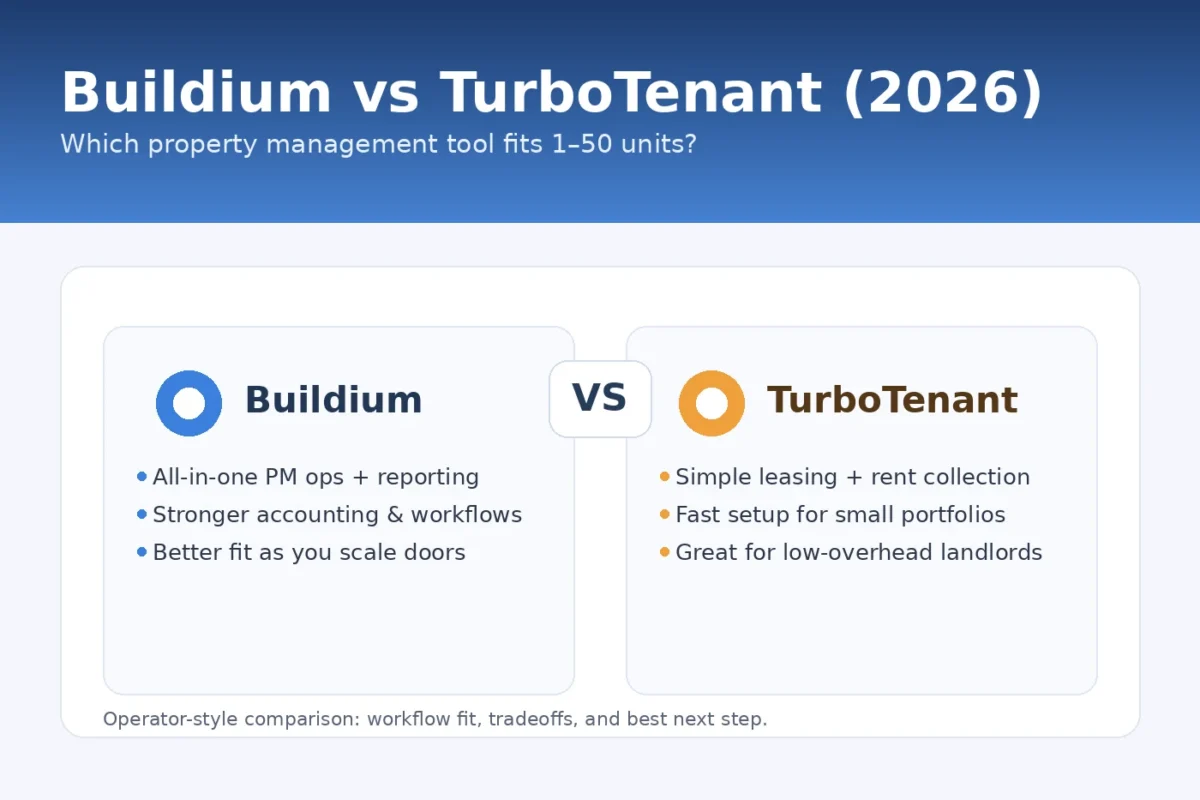
Buildium tends to justify its cost when you want:
- deeper operational workflows
- stronger reporting
- a more systemized property management setup
- a platform you are less likely to outgrow
TurboTenant tends to win when you want:
- faster setup
- simpler leasing and rent collection
- lower overhead
- less complexity
If you want the full comparison, read: Buildium vs TurboTenant
Best-by-scenario recommendations
Best for all-in-one PM operations and reporting
Best for simple leasing and rent collection
Best for landlords planning to scale
Best for landlords optimizing for speed and low overhead
Suggested stacks: how I would run it
Starter stack (1–10 units)
- TurboTenant for fast leasing and rent collection
- simple maintenance SOP: request → assign → update → close
- one monthly admin cleanup session to keep records straight
Comparing TurboTenant’s plans? See TurboTenant pricing.
Looking at other landlord tools? Check TurboTenant alternatives.
If you are still acquiring deals too, a separate follow-up system can help: AI Follow-Up Sequence
Growth stack (10–50 units)
- Buildium for operations and reporting
- maintenance workflow reviewed weekly, not ad hoc
- monthly reporting cadence with a short portfolio review
Get the Landlord Ops Automation Pack (PDF)
Get the Landlord Ops Automation Pack (PDF)
12 automations and templates to run rentals with less chaos.
We won’t send you spam. Unsubscribe any time.
FAQs
Does Buildium have a free plan?
Buildium typically operates on paid tiers. Check current offers here: Buildium pricing
What is the best Buildium plan for a small landlord?
Usually the lowest tier that cleanly supports your current workflow. If you are growing and want stronger reporting and operational control, move up when the workflow demands it.
Is Buildium worth it over TurboTenant?
Yes, when you want deeper operations and reporting. If you mainly need leasing and rent collection with minimal setup, TurboTenant is often the better fit.
Can I upgrade Buildium later?
Yes, and that is often the smartest path. Buy what you need now, then upgrade when your workflow clearly requires it.
Final recommendation
Choose the lowest Buildium plan that supports your actual property management workflow today, then upgrade when reporting, maintenance complexity, or growth makes it necessary.
- Choose Essential if you want cleaner basics without overbuilding
- Choose Growth if you are moving into a more systemized operation
- Choose Premium only if you truly need the highest level of control and automation
For many small landlords, the biggest mistake is not underbuying. It is buying more system than they will actually use.
Sources