
DealMachine Pricing (2026): Which Plan Should You Buy?

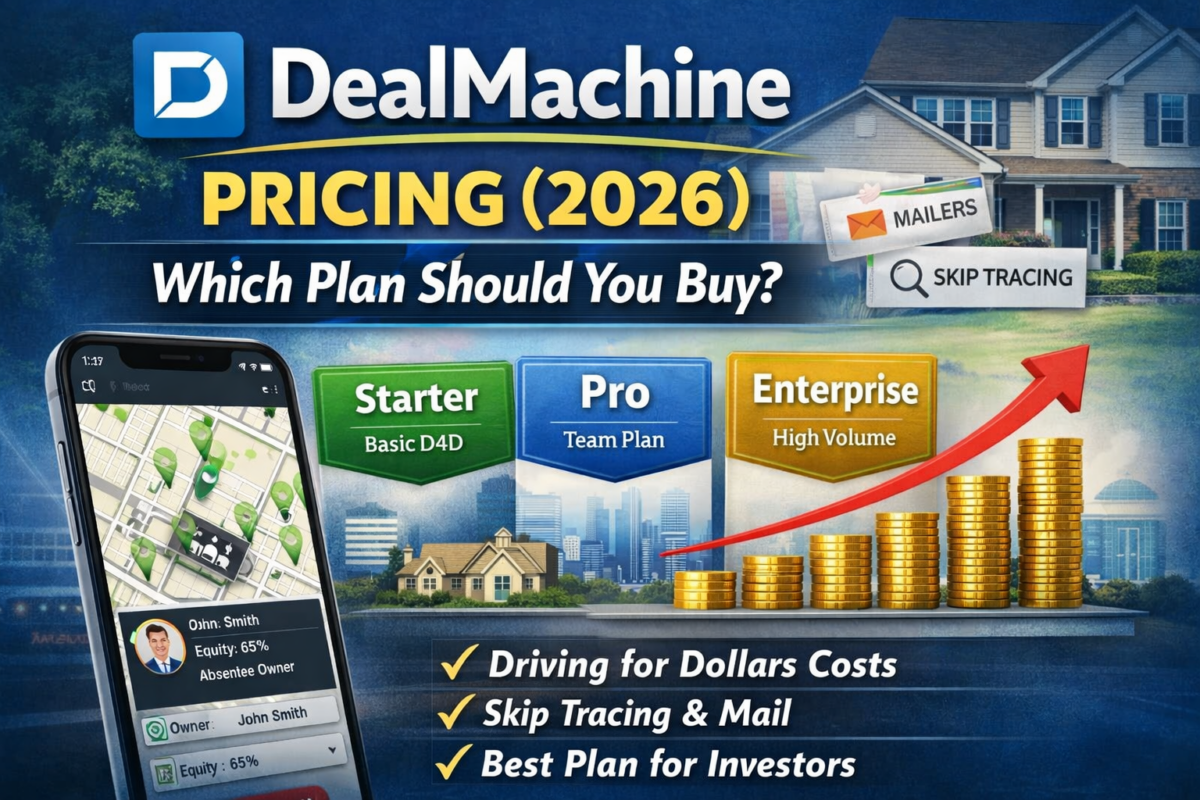
DealMachine Pricing
If you are comparing DealMachine pricing, the main question is not which plan has the most features. The real question is which plan fits your driving-for-dollars workflow without paying for more than you will actually use.
For most investors, the decision comes down to:
- whether you are driving consistently each week
- whether you are working solo or with a team
- whether you need DealMachine mainly for lead capture or as part of a broader outreach process
That is why this guide is focused on plan choice and buying logic, not just feature lists.
Below, I’ll break down which DealMachine setup makes the most sense for solo investors, small teams, and operators who want the simplest path from “see a property” to “work the lead.”
Best fit for investors running consistent local driving for dollars
Disclosure: Some links on this page are affiliate links, which means we may earn a commission at no extra cost to you. I only recommend tools I’d use to run an investor deal flow. See our Affiliate Disclosure: /affiliate-disclosure/
Quick verdict
Most real estate investors should buy the cheapest DealMachine plan that supports consistent weekly driving for dollars. Paying for more features too early usually does not improve ROI.
My take by use case:
- Solo investor: start lean if your main goal is route tracking, property capture, and basic lead organization
- Small team: upgrade when shared workflows, handoffs, and accountability actually become necessary
- Higher outbound volume: use DealMachine for sourcing if D4D is core, but do not assume it replaces a full outreach or CRM stack
Bottom line: DealMachine pricing makes the most sense when local driving for dollars is a real part of your acquisition strategy. If your business is more list-based or multi-market, another stack may fit better. This sharpens the page’s main decision logic compared with the current version, which already emphasizes workflow fit, solo vs team usage, and D4D-first execution.
If you are still deciding on the tool itself, start here: DealMachine review
If you’re driving weekly, this is the fastest “see it → add it → work it” workflow.
How to choose the right DealMachine plan
The right DealMachine plan depends less on feature checklists and more on how you actually source leads.
If your business is built around:
- driving neighborhoods consistently
- pinning likely distressed or vacant properties
- organizing leads as you go
- and following up quickly after capture
…then DealMachine can be worth paying for.
If you are not doing those things regularly, a higher-tier plan will not fix the underlying issue. Most investors do not need more software. They need a more consistent sourcing routine.
So the real buying question is:
Do you need DealMachine to support a simple solo D4D workflow, or do you need it to support multiple people and more operational complexity?
DealMachine plans (2026): what you get
| Plan/Tier | Best for | What you get (operator view) | Watch-outs | Buy if you… |
|---|---|---|---|---|
| Entry / Starter | Solo investor starting D4D | Route discipline, fast pin-to-work workflow, basic organization | You may outgrow if volume/teammates increase | Drive weekly in one market and just need consistent capture + follow-up |
| Team / Pro (multi-user) | 2–5 person team | Shared leads, cleaner handoffs, scaling routes + accountability | Paying more doesn’t fix follow-up; you still need SOPs | Have multiple drivers/VA and need shared tags/notes + consistent execution |
| Add-ons (skip trace/mail) | Outbound actions | Contacting owners inside the workflow | Costs can spike if you trace/mail everything | Only turn on once your lead filter is dialed in |
| Best-value setup (most investors) | Local D4D + simple follow-up | DealMachine for capture + your CRM for sequences | Two-system stack requires discipline | Want maximum ROI without pretending one tool does everything |
What you’re actually paying for
DealMachine pricing is not really about software complexity. You are mostly paying for a smoother path from spotting a property to taking action on it.
That usually means:
Route tracking and repeatable coverage
If you are driving the same neighborhoods consistently, clean route history helps prevent wasted drives, duplicate effort, and missed streets.
Frictionless lead capture
The real value is in being able to:
- see a property
- pin it quickly
- identify the owner
- add notes
- and decide what happens next
…without losing momentum.
Shared execution for teams
Once more than one person touches the workflow, the value shifts toward:
- lead visibility
- clean handoffs
- shared notes
- and accountability
Optional outreach actions
Some investors use DealMachine mainly for capture and tracking, then handle follow-up elsewhere. Others want mail, skip tracing, or owner contact actions inside the same workflow.
That does not mean you should pay for every add-on immediately. Most investors get better ROI by tightening their lead filter first, then adding outbound costs later.
If your follow-up is the bottleneck, read: Best AI CRM for real estate investors → /best-ai-crm-real-estate-investors/
Which DealMachine plan should you buy?
Best plan for solo investors
If you are a solo investor doing local driving for dollars in one market, start with the plan that gives you:
- route tracking
- reliable property notes and tags
- enough workflow support to capture and work every lead you pin
You usually do not need to overbuy here.
The biggest mistake is paying for team or expansion features before you have a weekly D4D habit. A simple setup executed consistently will outperform a bigger plan that you only use occasionally.
Default recommendation: start one tier lower than you think you need, then upgrade only when your actual workflow forces the decision.
Start lean, upgrade only when volume forces it.
Best plan for small teams
If you have:
- multiple drivers
- a VA or acquisitions support
- shared lead lists
- and a need for cleaner handoffs
…then the multi-user value becomes more important.
At that point, prioritize:
- shared workflows
- permissions if available
- clean note-taking
- tagging consistency
- visibility into who is doing what
The upgrade is worth it when it removes execution friction for the team. It is not worth it if you are hoping a more expensive plan will solve weak follow-up discipline.
If you have:
- multiple users,
- shared lead lists,
- and you need clean handoffs,
then prioritize:
- multi-user workflows,
- permissions,
- and consistent tagging/notes.
If you’re building a team outbound machine, compare: DealMachine vs BatchLeads.
When to keep DealMachine simple
A lot of investors get the best ROI from DealMachine by using it for exactly what it does well:
- local lead capture
- route discipline
- basic organization
- identifying who to follow up with next
That means you may not need to force it into being your:
- all-in-one CRM
- full outbound hub
- team operating system
- or multi-market list platform
For many investors, the best setup is:
- DealMachine for field sourcing
- a separate CRM for follow-up
- another tool only when scale truly requires it
That is usually a better buying strategy than trying to make one platform do everything.
When to pair DealMachine with a CRM
If you are using a separate CRM or follow-up system, keep DealMachine focused on sourcing and lead capture.
Then move the lead into your:
- follow-up pipeline
- texting or calling workflow
- task system
- nurture sequence
This is often the highest-ROI setup because it lets each tool do its main job well.
If you’re choosing a CRM to manage leads after D4D, read my REsimpli review
Most investors fail here because they don’t follow up fast enough. Start here: 7 follow-up automations checklist
When DealMachine is the wrong tool
DealMachine pricing only makes sense when driving for dollars is a real part of your acquisition strategy.
It may be the wrong fit if:
- you rarely drive in person
- your lead gen is mostly list-based
- you operate across multiple virtual markets
- your main bottleneck is CRM and follow-up, not sourcing
- you need a larger outbound engine more than a field-capture app
In those cases, a list-pulling or CRM-first stack may be the better buy.
If your lead source includes list building, compare: Best real estate lead generation software (AI)
Not sure you want DealMachine at all? Compare the top DealMachine alternatives
Common setups (what I would run)
Starter stack (solo investor)
- DealMachine for local driving for dollars sourcing and route tracking
- simple follow-up system or lightweight CRM
Related guide: Best driving for dollars app (AI)
Growth stack (consistent outbound)
- DealMachine for field capture if D4D is core
- a platform built for scale outreach if needed
- a CRM once lead volume becomes consistent
If your lead source includes list building, compare: Best real estate lead generation software (AI)
FAQs
Does DealMachine have a free trial?
Sometimes—check current availability here: /go/dealmachine
Can I use DealMachine without skip tracing or mail?
Yes. Many investors use it for route tracking + lead capture and run skip trace/outreach elsewhere.
What’s the biggest mistake with DealMachine pricing?
Buying a higher plan before you have consistent D4D volume. Your ROI comes from executing weekly, not features.
Should I use DealMachine if I’m doing virtual driving for dollars?
It can work, but if you’re building a multi-market VA workflow, compare it against BatchLeads first: /dealmachine-vs-batchleads/
Final recommendation
Choose the cheapest DealMachine plan that fully supports your current driving-for-dollars workflow.
If you are:
- driving consistently each week
- working mostly local leads
- and need the cleanest route-to-lead workflow
…DealMachine can be worth it.
If you are:
- building a larger list-based acquisition machine
- working multiple virtual markets
- or need stronger CRM automation
…you may be better off pairing DealMachine with other tools or choosing a different stack entirely.
Related guides
- DealMachine review
- DealMachine vs BatchLeads
- DealMachine vs PropStream
- Best driving for dollars app (AI)
- Best AI CRM for real estate investors
- PropStream Review
- PropStream vs BatchLeads
- PropStream Pricing
- PropStream Alternatives
Table of Contents
Sources:
DealMachine official site